CollabBoard.
A real-time collaborative whiteboard where teams sketch, brainstorm, and persist their ideas, together.
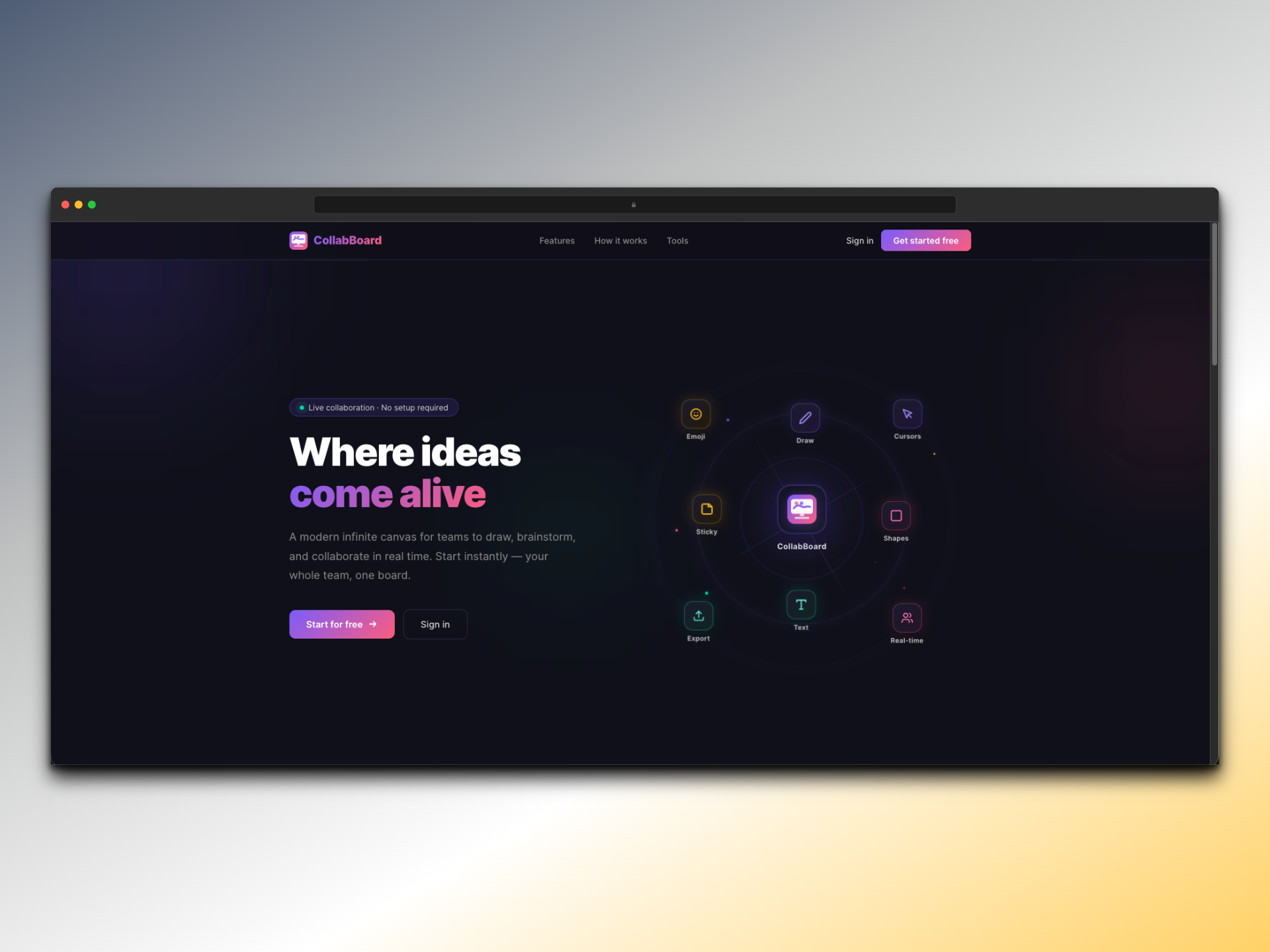
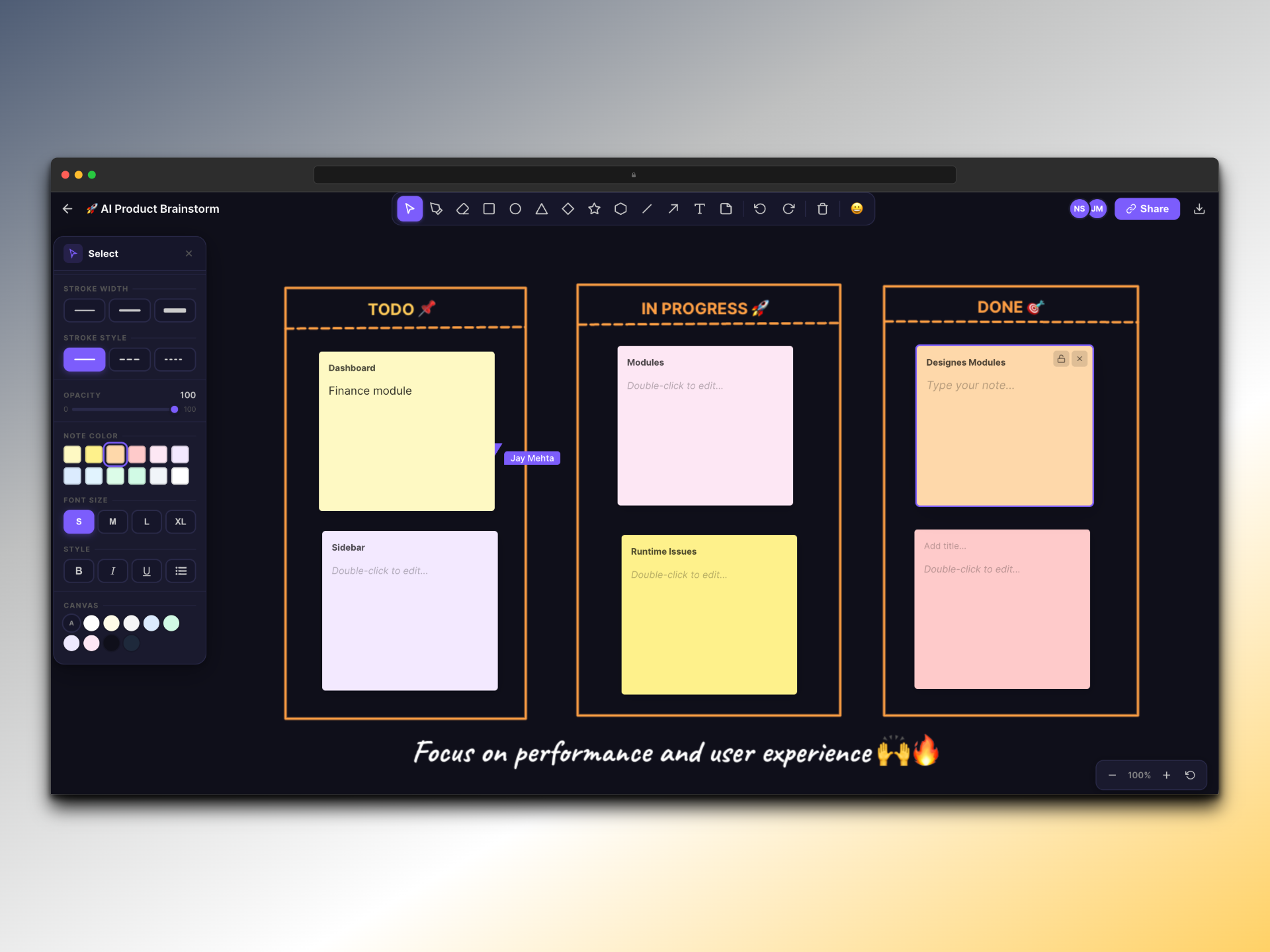
CollabBoard is a focused whiteboarding tool built on Canvas + Socket.io. Multiple users can draw on the same board with live cursors, drop sticky notes, undo / redo, pan and zoom, and export the final canvas to PNG. Everything persists to MongoDB so teams can return to the same board the next day.
What this project set out to solve.
Most collaboration tools assume a video or chat surface; whiteboarding is bolted on as an afterthought. I wanted to flip that: build a whiteboard-first experience that is light enough for a five-minute brainstorm and durable enough that a team can pick up exactly where they left off.
The technical pull was real-time multiplayer: live cursors, broadcast strokes, conflict-free undo per user, all without melting the network or the framerate.
How it came together.
Drawing primitives live on the Canvas API directly, with no framework overhead in the hot path. Socket.io carries strokes and cursor events, scoped to a room keyed by board ID, so users only receive updates for boards they joined.
Strokes are serialized as JSON and snapshotted to MongoDB on a debounced interval. On reconnect, the client hydrates the canvas from the last snapshot, then catches up over the socket. No full re-render needed.
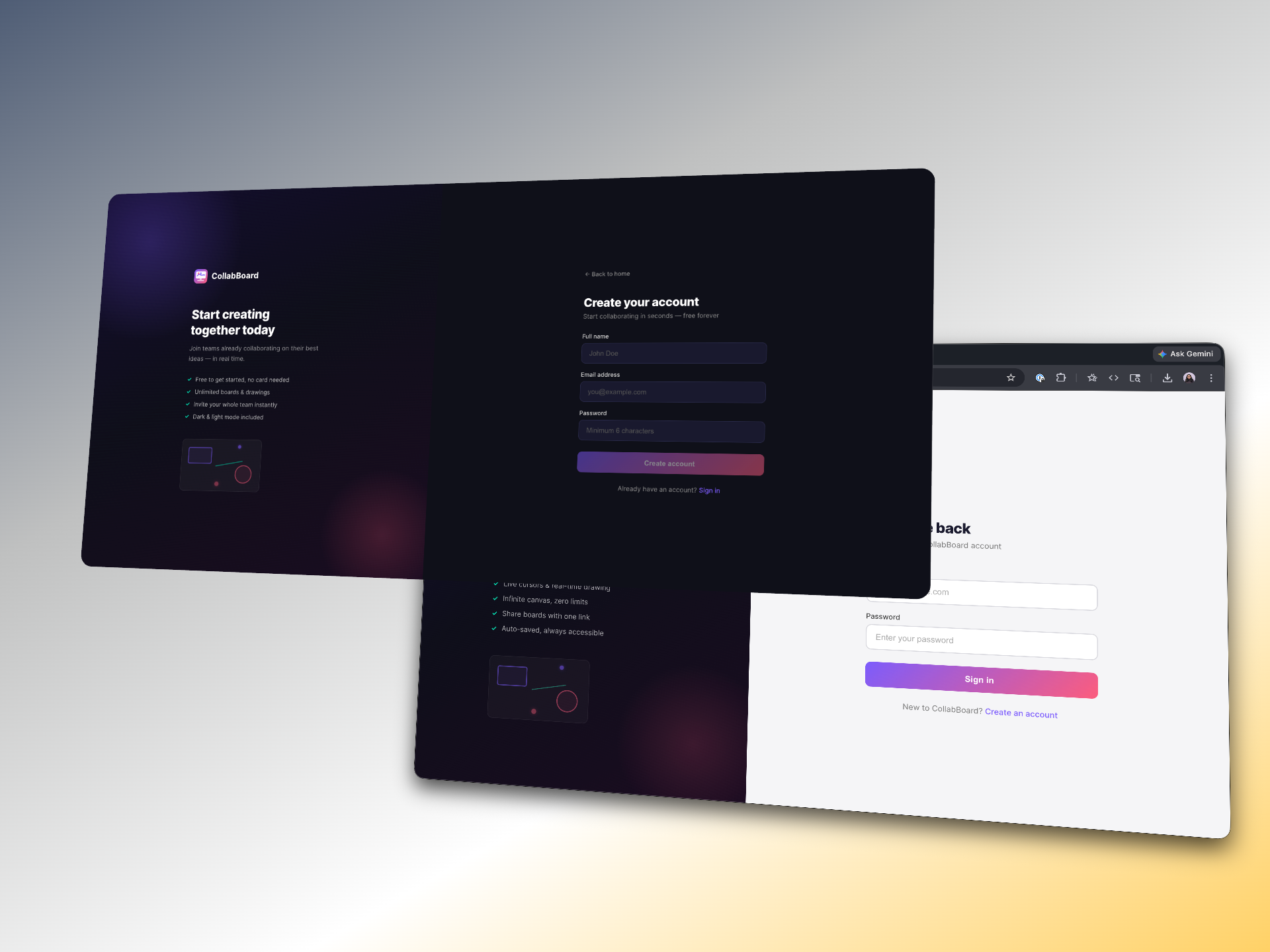
Auth uses JWT for both the REST API and the Socket.io handshake, so a single token gates everything.
Stack & structure.
Frontend
- Angular 17
- Canvas API drawing engine
- Socket.io client
- Tailwind for chrome / UI
Backend
- NestJS modular gateway
- Socket.io server with room-scoped channels
- MongoDB for board snapshots
- JWT handshake guard
NestJS gateways gave a clean separation between REST controllers and WebSocket handlers.
What you can actually do.
Live cursors
Other users' cursors broadcast at 30Hz and render via RAF batching.
Sticky notes
Drop, drag, and edit notes anywhere on the canvas.
Board persistence
Snapshots saved to MongoDB so every board is permanent.
Undo / redo
Per-user stroke stack. Your undo never touches another user's work.
Zoom & pan
Smooth infinite canvas with viewport transform.
PNG export
One-click flatten of the canvas to a downloadable image.
In motion.

What was hard, and what I took from it.
Cursor broadcast throughput
Naively emitting every mousemove event floods the socket. I throttled to 30Hz on the wire and batched paint calls with requestAnimationFrame on the receiver, keeping perceived latency under 50ms.
Undo in a multi-user session
A shared undo stack breaks immediately when two users draw at once. I scoped undo per user: each client owns its own stack of strokes it created, and the server enforces ownership on the undo command.
What I shipped.
- Multiplayer whiteboard with end-to-end persistence and secure rooms.
- Stroke rendering stays at 60fps even with multiple active collaborators.
- Demonstrates real-time architecture, Canvas API depth, and gateway-based NestJS design.