NexFlow.
A high-fidelity marketing site for an AI workflow platform, built to prove that motion-heavy UI can stay performant without a framework.
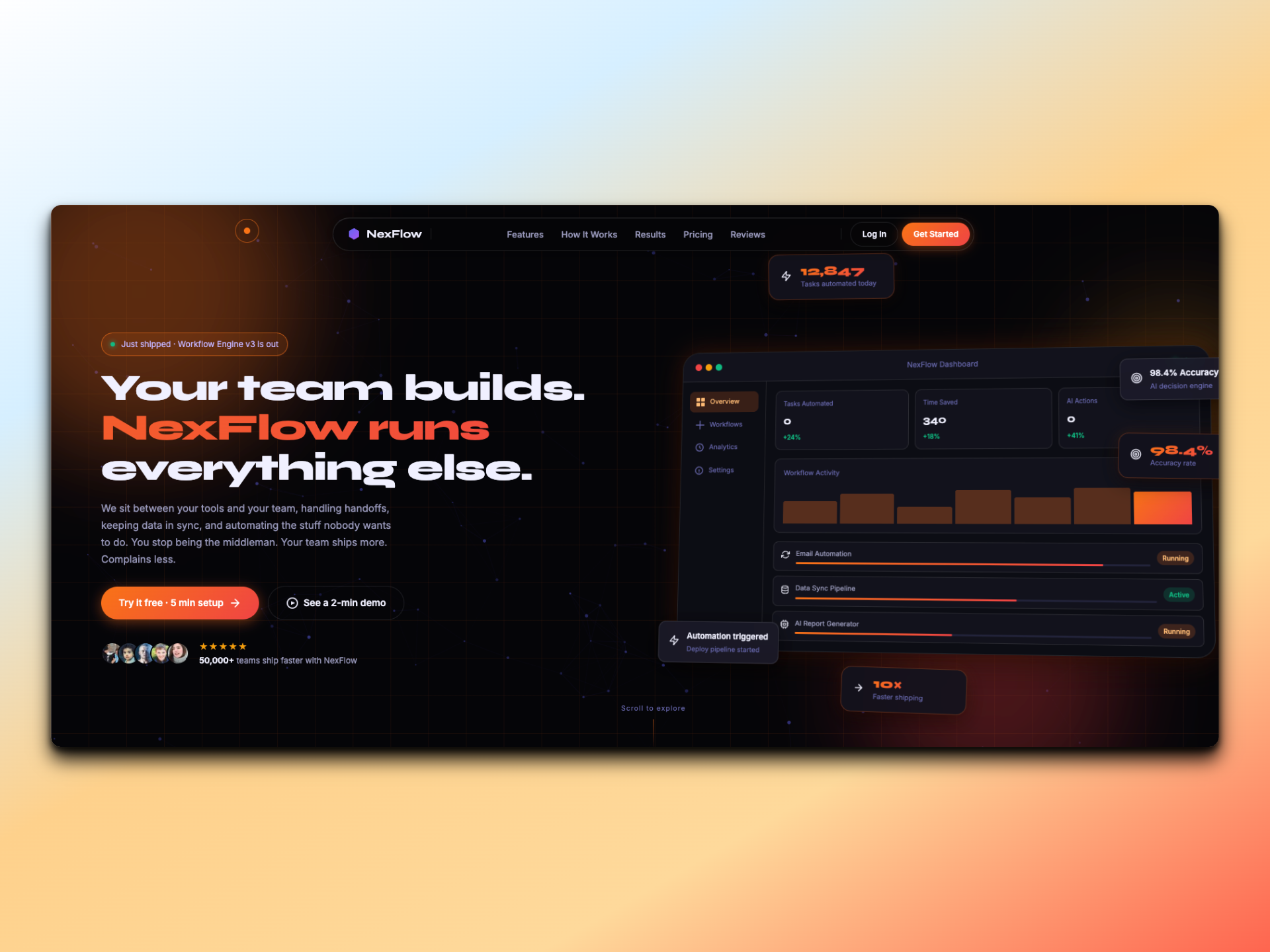
NexFlow is a vanilla HTML / CSS / JS marketing site with a heavy emphasis on motion craft: GSAP-driven scroll animations, a pinned multi-step section, a particle canvas with mouse-repel physics, a custom cursor, magnetic buttons, and a floating pill navbar. Every interaction is hand-built and tuned to hold 60fps on mobile.
What this project set out to solve.
Marketing sites for AI tools often feel templated: Tailwind landing kits, identical hero patterns, identical scroll reveals. I wanted to design something that earns attention through motion craft, not template velocity.
The discipline was self-imposed: no framework, no component library. If a button needed to feel magnetic, I had to build the math; if a section needed to pin, I had to wire ScrollTrigger by hand.
How it came together.
GSAP is the animation backbone. The hero, stat counters, and section reveals share a single timeline so easings and durations stay consistent across the page. ScrollTrigger pins the "How It Works" section and scrubs through its steps as the user scrolls.
The particle canvas runs on a single RAF loop with a soft mouse-repel field. Particles within a radius are pushed away on a falloff curve. Particle count auto-scales by viewport size so mobile never tries to render desktop counts.
The custom cursor and magnetic buttons share a single mouse-tracking loop. On coarse pointers I disable them entirely. Touch devices get the native cursor and standard tap targets.
Stack & structure.
Stack
- Vanilla HTML5
- CSS3 with custom properties
- JavaScript (ES modules)
- GSAP 3 + ScrollTrigger
- Canvas 2D
No build step beyond minification. The source you read is the source that ships.
What you can actually do.
GSAP scroll timeline
Shared timeline for reveals, counters, and hero animation.
Pinned How It Works
ScrollTrigger pins the section and scrubs through steps.
Particle canvas
Mouse-repel physics with auto-scaling particle count.
Custom cursor
Smoothed cursor follow with hover-state transforms.
Magnetic buttons
CTAs drift toward the cursor on approach. Disabled on touch.
Floating pill navbar
Glassmorphic navbar with responsive collapse.
In motion.
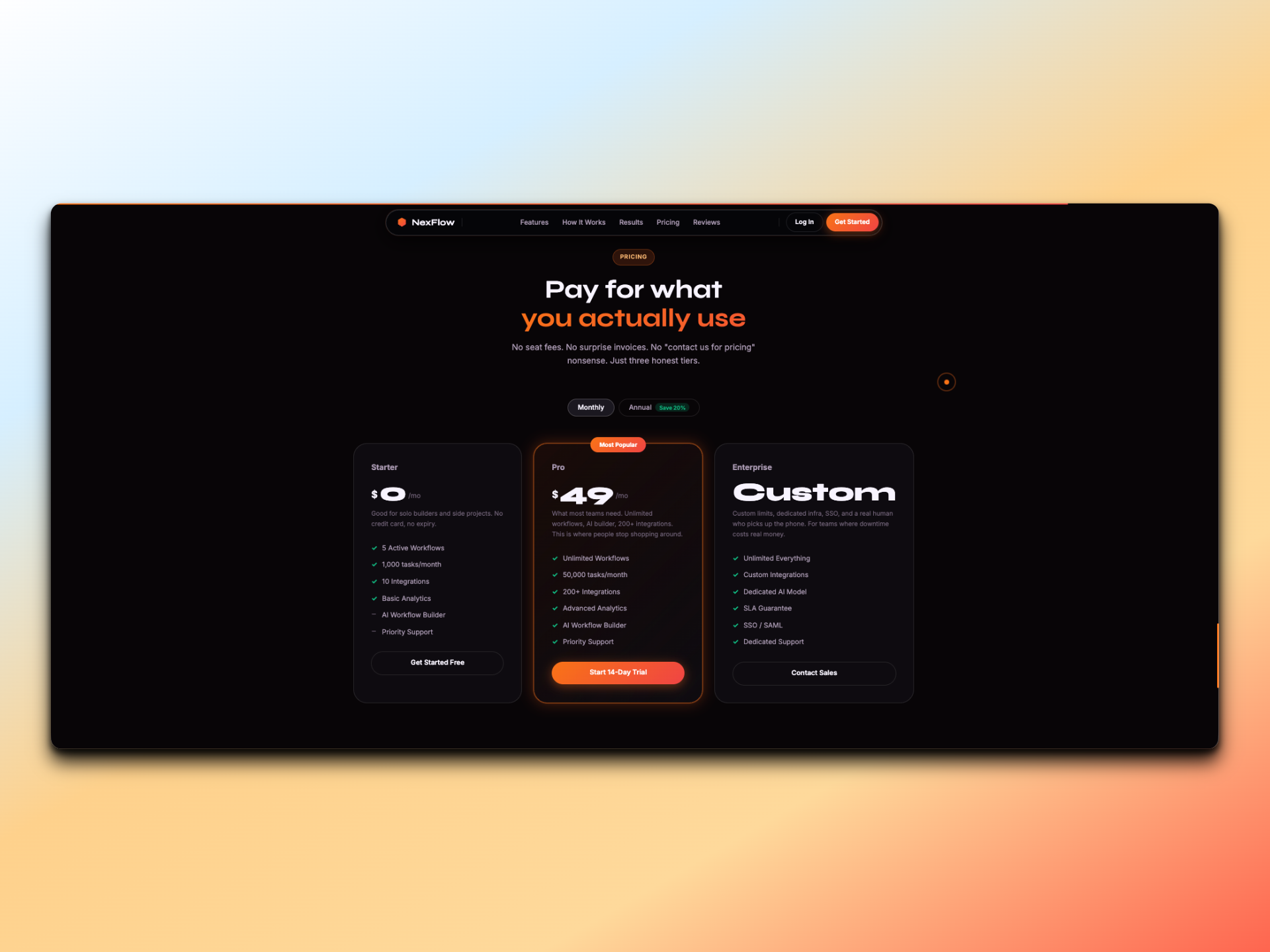
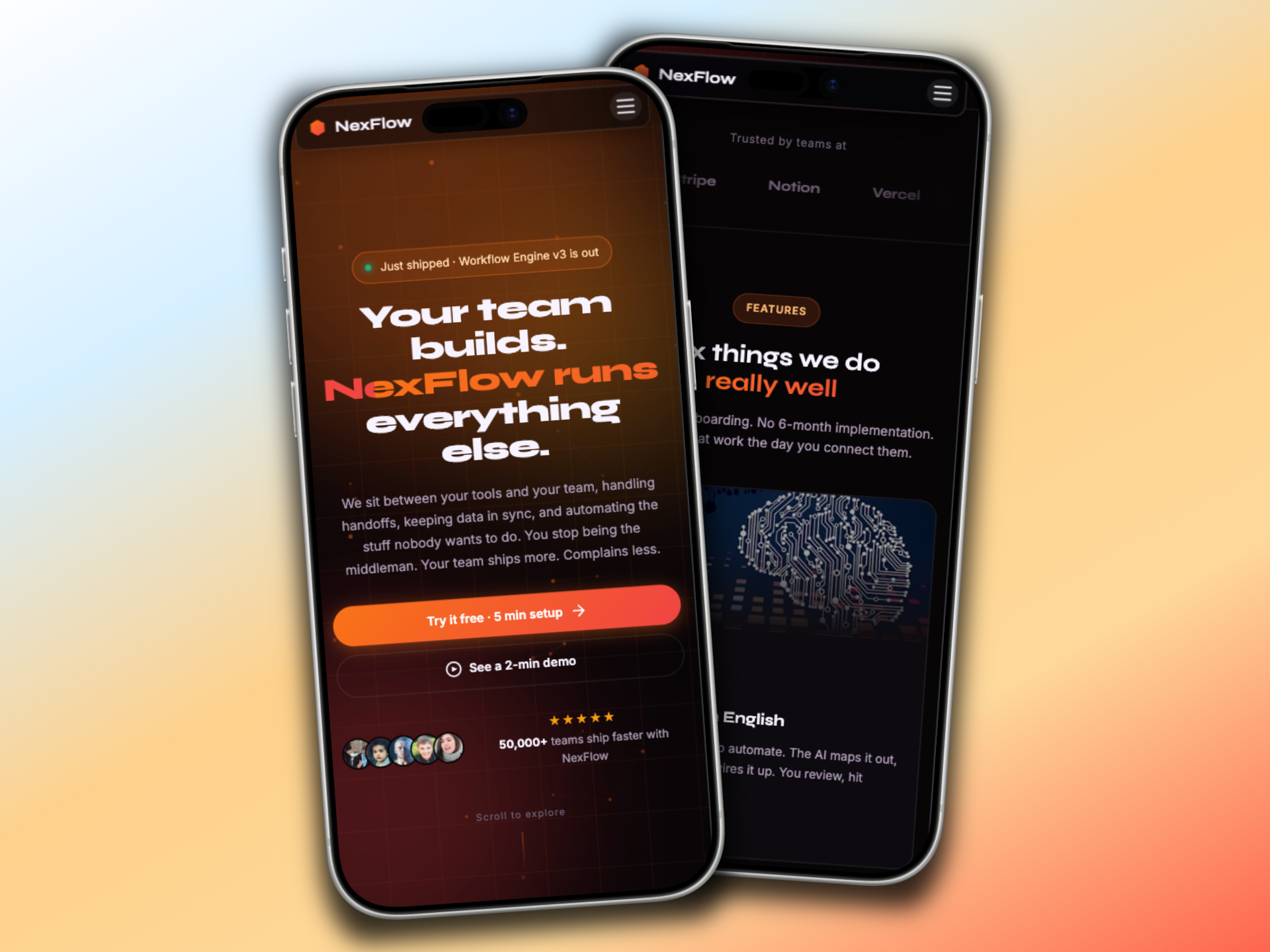
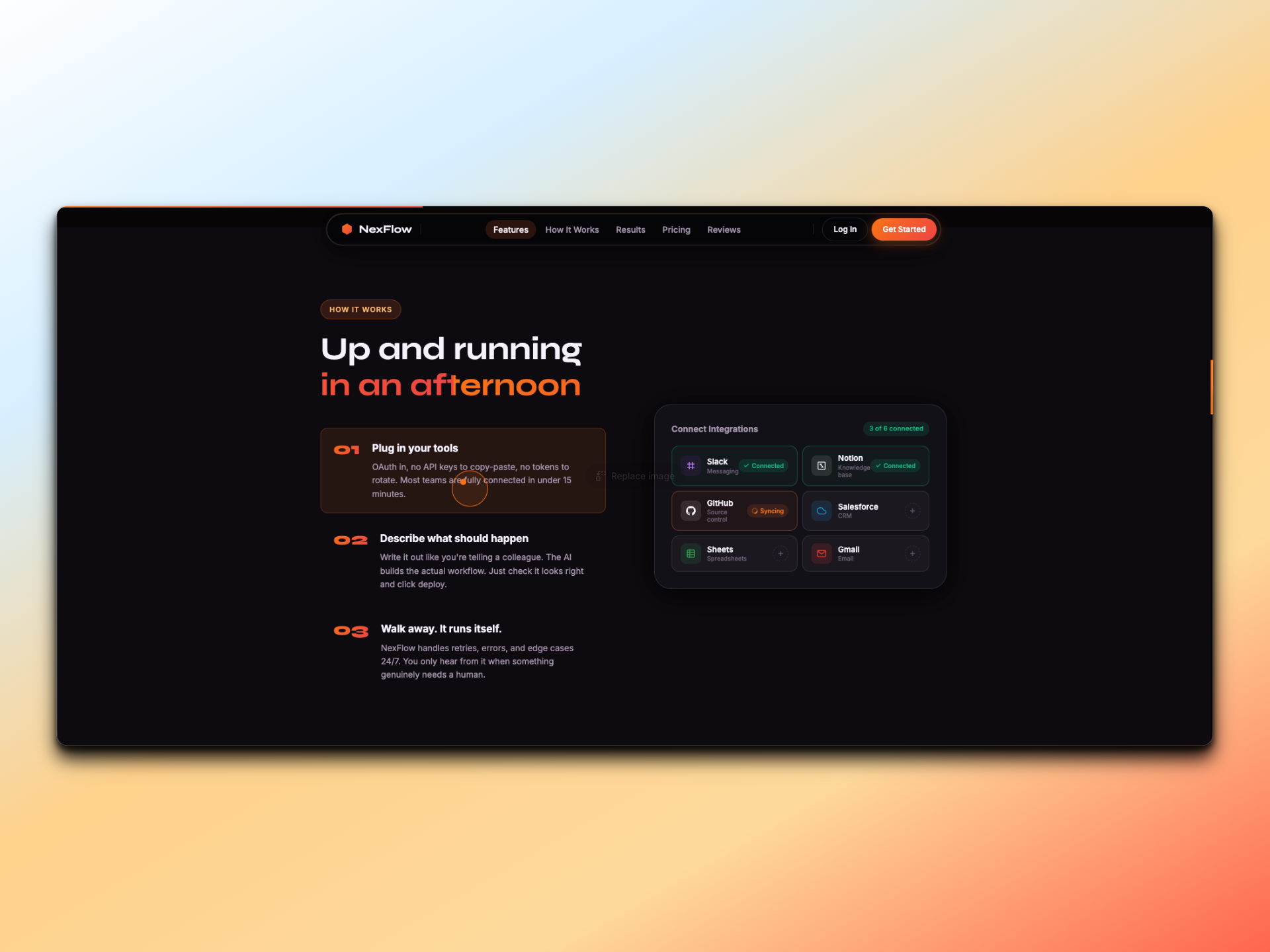

What was hard, and what I took from it.
Particles vs ScrollTrigger contention
Both wanted the main thread. I tightened the canvas RAF loop and let ScrollTrigger own paint priority. Particle count drops adaptively while the user is mid-scrub.
Magnetic buttons on touch
Touch devices report jittery hover-equivalent events that broke the magnetic math. I gated the entire mouse-tracking layer behind a `pointer: fine` media query.
What I shipped.
- A 60fps marketing site with no framework dependency.
- Demonstrates animation discipline: single timeline, shared easings, adaptive workloads.
- Mobile parity through progressive enhancement rather than a separate codebase.